
Once upon a time, BlackBerry smartphone were the rave all over the world. However, that time is history now, as mobile subscribers continue the mass migration to iPhone and Android phones. This migration comes with the challenge of moving personal files and information from the BlackBerry platform to the new platforms.
Last night, I received a help request from someone who wanted to know how to transfer his contacts from BlackBerry to an Android phone. Here is how to go about it. You will need a Gmail account for this. It should also work with a Hotmail/Live/Outlook account.
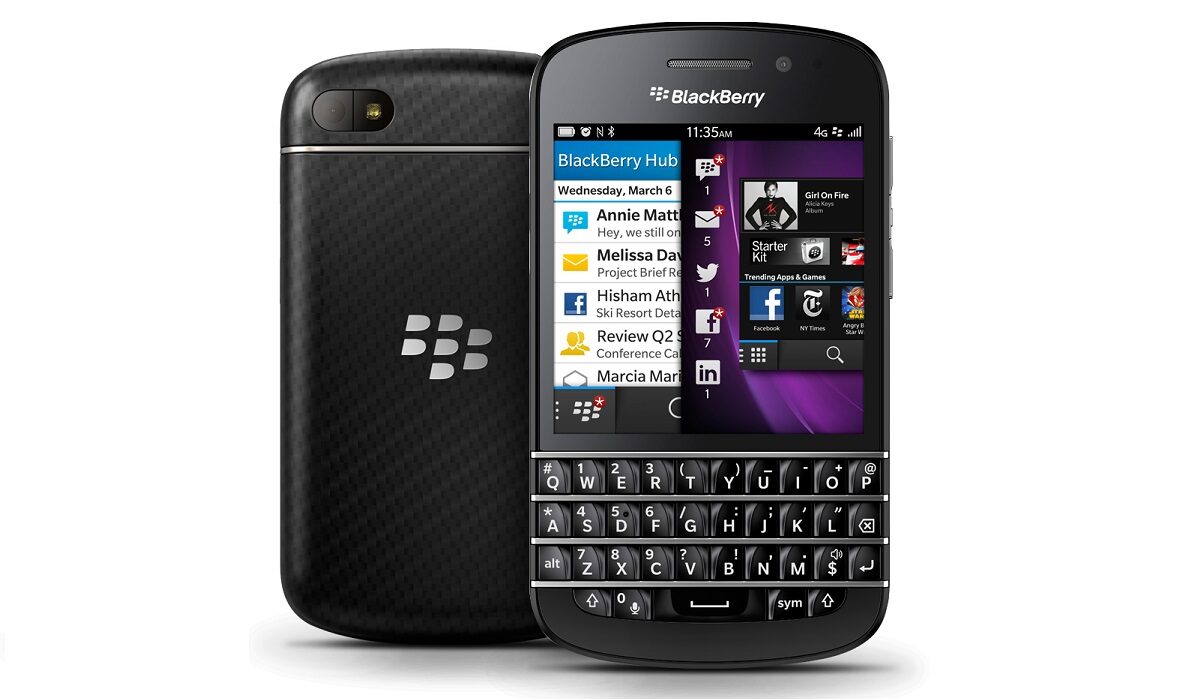
How to Transfer contacts from your BlackBerry to an Android phone
1. Setup your email account on your BlackBerry
2. If you have an older BlackBerry smartphone (OS5 and below, I believe), you will need Google Sync for BlackBerry, an app that lets you sync your contacts, calendar and email with Google’s suit of services (skip this if you’re using a Hotmail/Live/Outlook email account) and use the app to synchronise with your Gmail account
3. If you have a newer Blackberry device, it should sync your contacts with your email account automatically.
4. On your Android smartphone, set up your email account and your synchronized contacts should be automatically transferred to the phone.
Download Google Sync for BlackBerry
Update: The Google Sync for BlackBerry is no longer available for download.
- Don’t miss our reviews.
- Join our WhatsApp Group, to be notified of the most important articles and deals,
- Follow us on Instagram, Facebook, Twitter, and YouTube.